
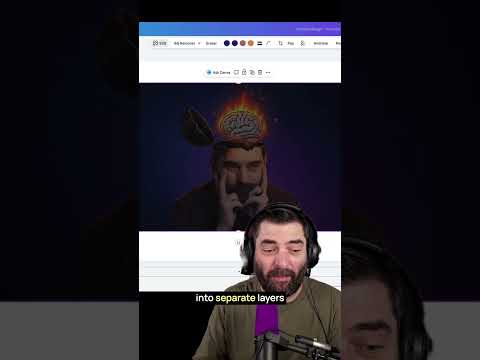
- The Magic Layers tool provides an intuitive way to deconstruct flat image files.
- Users gain the ability to manipulate individual objects, such as backgrounds or foreground subjects, instantly.
- The feature demonstrates wide compatibility, functioning on both AI-generated artwork and standard real-world images.
This New Feature Is A Big Deal For Creatives
Matt Wolfe
This video introduces the Magic Layers feature in Canva, demonstrating how it automatically segmentizes flat images into editable layers for advanced design modification.
Key Takeaways
Talking Points
Pro Analysis
Strategic Importance
Canva's Magic Layers is a significant quality-of-life improvement for creators who lack advanced technical proficiency in image editing software like Photoshop. It shifts the barrier of entry for effective graphic design lower, allowing for rapid iteration in fast-paced content environments.
Who Should Care
- Social Media Managers: Who need to resize or re-compose assets for different platforms.
- Content Creators: YouTubers and advertisers who rely on dynamic visuals to drive engagement.
Contrarian Takeaway
While this tool makes design easier, it may inadvertently lead to a homogenization of visual aesthetics. As more creators rely on AI-driven automated tools to 'fix' their composition, there is a risk that human-led creative intuition—the ability to selectively blur or intentionally obscure elements—will be replaced by generic AI-segmentation logic.
Written by: 1 Minute Signal Editorial Team