
- Streamlit is highly efficient for building simple web interfaces for AI and data science projects.
- The package can be easily managed by adding it to a project via a terminal command.
- Local execution is performed by running the Streamlit module directly, ensuring the application remains accessible on the user's localhost.
- Integrating UI elements like sidebar controls and data tables allows for immediate user interaction with underlying data.
Have you heard about this?
Tech With Tim
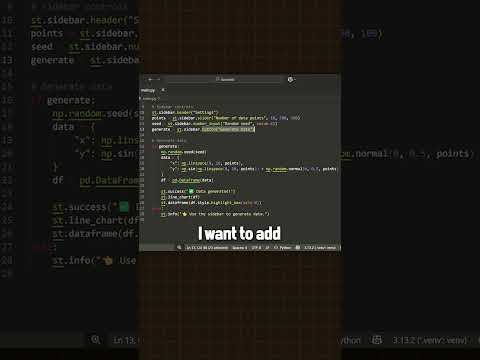
This video provides a practical demonstration of using the Streamlit library to build interactive web-based data interfaces directly from Python code. It highlights the deployment process using the UV package manager to handle dependencies and execute applications efficiently.
Key Takeaways
Talking Points
Pro Analysis
Strategic Importance
Streamlit represents a paradigm shift where data scientists can become full-stack developers without learning JavaScript or CSS. This reduces the time-to-market for internal tooling and prototypes significantly.
Who Should Care
Data analysts, machine learning engineers, and startup founders who need to present findings or build functional MVPs quickly will find this tool indispensable for reducing technical debt.
Contrarian Takeaway
While Streamlit is excellent for internal tools, its simplicity creates a performance ceiling. Over-reliance on this tool for production-scale consumer apps often leads to significant refactoring requirements later, as custom UI requirements inevitably outgrow the library's opinionated framework.
Time saved:
Written by: 1 Minute Signal Editorial Team